Platform Overview
Digital Job Checklists & Service Workflow Platform
ShuttersAssist replaces paper job checklist books with a clear digital flow — select your location, choose a job, complete your checks and submit with a digital signature. Every record is time-stamped, linked to the right asset and audit-ready from day one.
Request Demo

Job Checklists
Digital Job Checklists
Run checklists as structured digital forms. Each submission is time-stamped, linked to the selected job, and stored in historical records — ready for review at any time.
- Company-code login with controlled access
- Work location and job selection
- Measurement, installation and service checklist templates
- Digital signatures on every submission
- Per-job form history
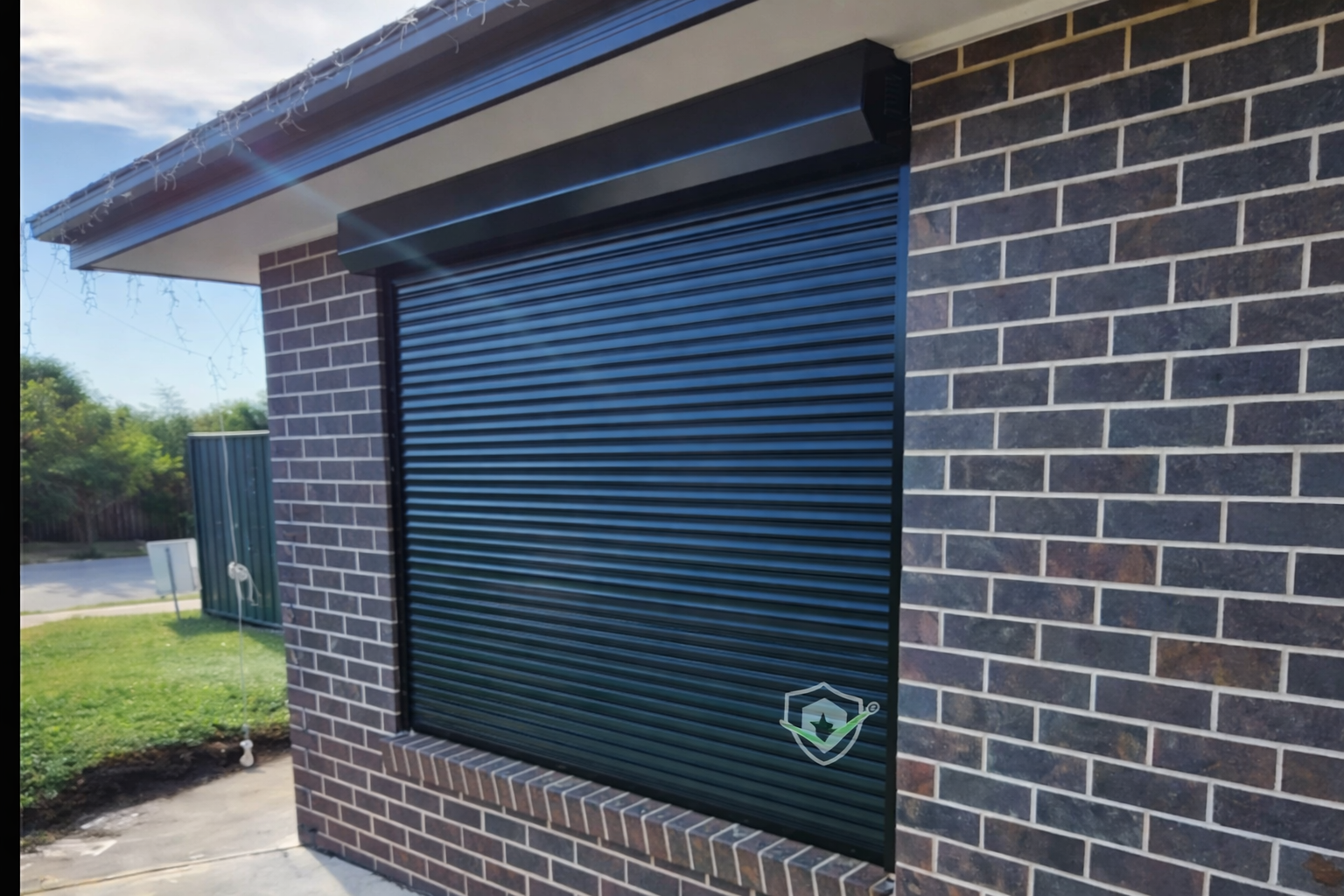
Safety Reporting
Safety & Site Notes
Capture site notes, issues and observations in real-time from phone or tablet. All submissions are centralised and instantly available for supervisors and auditors.
- Site measurements and job notes
- Issue and incident logging
- Site-wide submission visibility
- Filter by team member, job or date
- Exportable PDF records
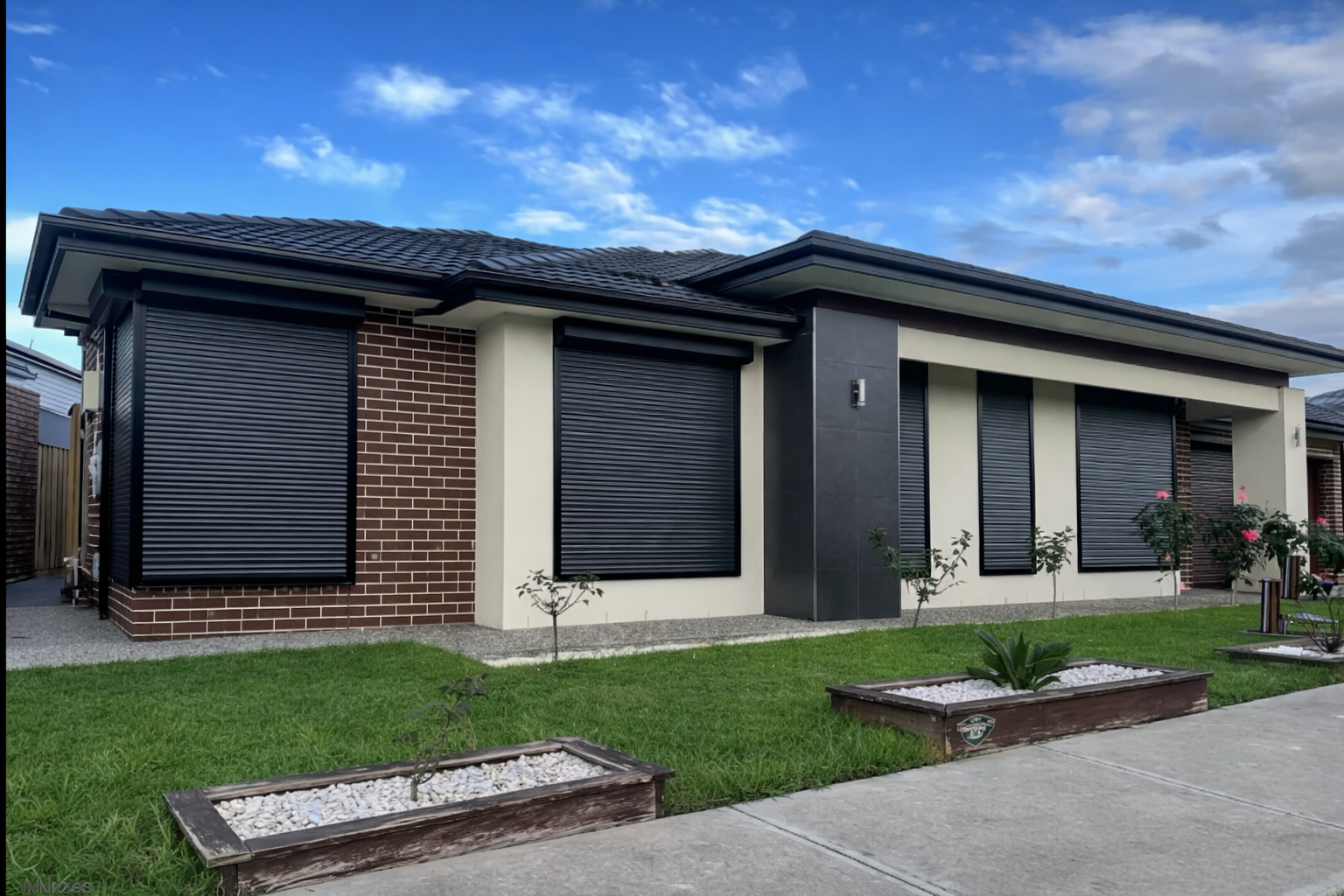
Asset Management
Job & Asset Management
Every submission connects directly to asset data. Track job history from a single overview, retrieve historical forms per unit, and maintain consistent records for compliance reporting.
- Asset performance tracking
- QR code asset entry
- Historical submission logs per job
- Work location assignment
- Compliance-ready storage

Risk Management
Job Planning (Job Plan)
Plan tasks safely before work begins. Digital Job Plans document risks, control measures and worker acknowledgements — giving supervisors a clear, reviewable record across all operations.
- Task-based risk breakdown
- Control measures documentation
- Worker acknowledgements
- Supervisor approval tracking
Maintenance & Shift Logs
Install & Service Reports
Track issues, installation activity and service notes in a structured format. Add photos to job records and keep all technical context tied directly to the relevant asset.
- Maintenance and defect logging
- Shift summaries and handover notes
- Photo attachments per job
- Supervisor reporting
- Historical audit access
See the full workflow in your own context.
Book a demo to see login, job selection, form completion, submissions view and PDF output — all in one system.
Request Demo